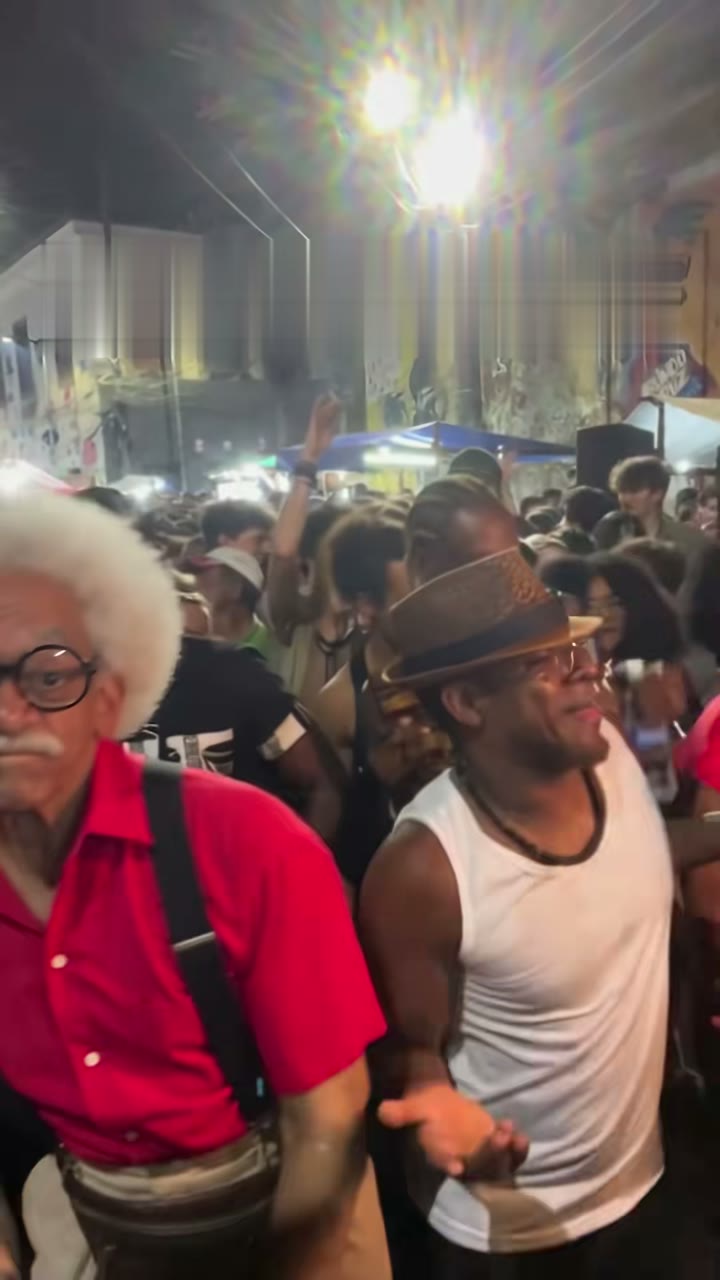
A Baile Charme AI video starts from one photo. The template brings the crowd, the side steps, the camera and the sound; your photo brings the face, the hair, the outfit or the fur. Here's how to pick a photo that looks good and passes review the first time.
The short version
- One subject per photo.
- Face toward the camera, sharp, eyes visible.
- Waist up or full body, with shoulders and arms in frame.
- Good, even light.
- Your own photo, or one of an adult who agreed. For pets: your own pet.
Photos for the person version
The person version on the homepage puts you in Seu Zé's place in the Pedra do Sal night crowd: side steps, a glance at the dancer beside you, a low groove and a slow turn.
- Just you. Crop group shots down to one person, since two faces can blend.
- Face forward and sharp, eyes visible, no heavy filters or sunglasses.
- Waist up or full body. Charme is danced with the shoulders and arms as much as the feet, so the template needs to see them, not just your face.
- Good, even light keeps your skin tone and features steady through the turn.
- Your own photo, or an adult who agreed. Only upload a photo of yourself or of an adult who agreed to appear.
Photos for the pet version
The pet version is our own twist: your pet stands on its hind legs in the dancer's place and does the side steps while the crowd claps. It takes dogs, cats and other pets.
- One animal per photo. Two pets, or a pet in someone's arms, make it unclear who should dance.
- The whole animal visible. The template needs your pet's body and legs to stand it up, not just its head.
- Face visible and sharp. A photo taken at your pet's eye level works best.
- Good light. Dark fur in a dim room loses its detail.
Pet photos only on this template; people go to the homepage version.
Which photos get rejected
Every photo passes a review before the render starts. These don't pass:
- Celebrities. Photos of famous people are rejected. Many CapCut versions of this trend put action-movie stars in Seu Zé's place; we don't.
- Children. Photos of children are rejected.
- Strangers. Don't upload someone who didn't agree to it.
Also pick the right template: the homepage takes people only, and the pet version takes pets only.
What happens if my photo is rejected?
You don't pay for a video you didn't get. If the photo is rejected or a render fails, your payment or credits are refunded automatically, with nothing to request. Then try again with a different photo.
Try a photo cheaply first
Not sure a photo will work? Start with a 10-second Budget video at 480p for 4 credits. If you like it, make a longer or sharper version. Without an account, one video costs $4.99 (Balanced, 480p, 15 s). All prices are on the pricing page, and the step-by-step guide walks through the whole flow.
Is my photo public?
No. Your photos are private, and we delete them 30 days after the video is made.
Quick checklist
Before you hit generate, check that your photo:
- Shows one person or one pet, nobody else.
- Has a sharp face toward the camera, eyes visible.
- Is well and evenly lit.
- Shows you from the waist up or full body, or the whole animal.
- Is your own photo, an adult who agreed, or your own pet: not a celebrity, a child or a stranger.
Make the person version → · Make the pet version →
Baile Charme AI is an independent tool, not affiliated with the trend's creators, the dancers in its clips, or CapCut.
Read more
Baile Charme AI Video Generators (2026): Baile Charme AI vs the CapCut Template vs MakeViral vs Kavel
Four ways to make the Baile Charme trend video, compared as of 19 Oct 2026: people, pets and duos, length, the reel's sound, celebrities and what one video costs. Plus which one fits what you want to make.
How to Make the Baile Charme AI Video From One Photo
A step-by-step guide to the Baile Charme AI video generator: upload one photo, pick the model, length and quality, then download a 9:16 MP4 with the reel's sound or without it. Pet version, prices and credits included.
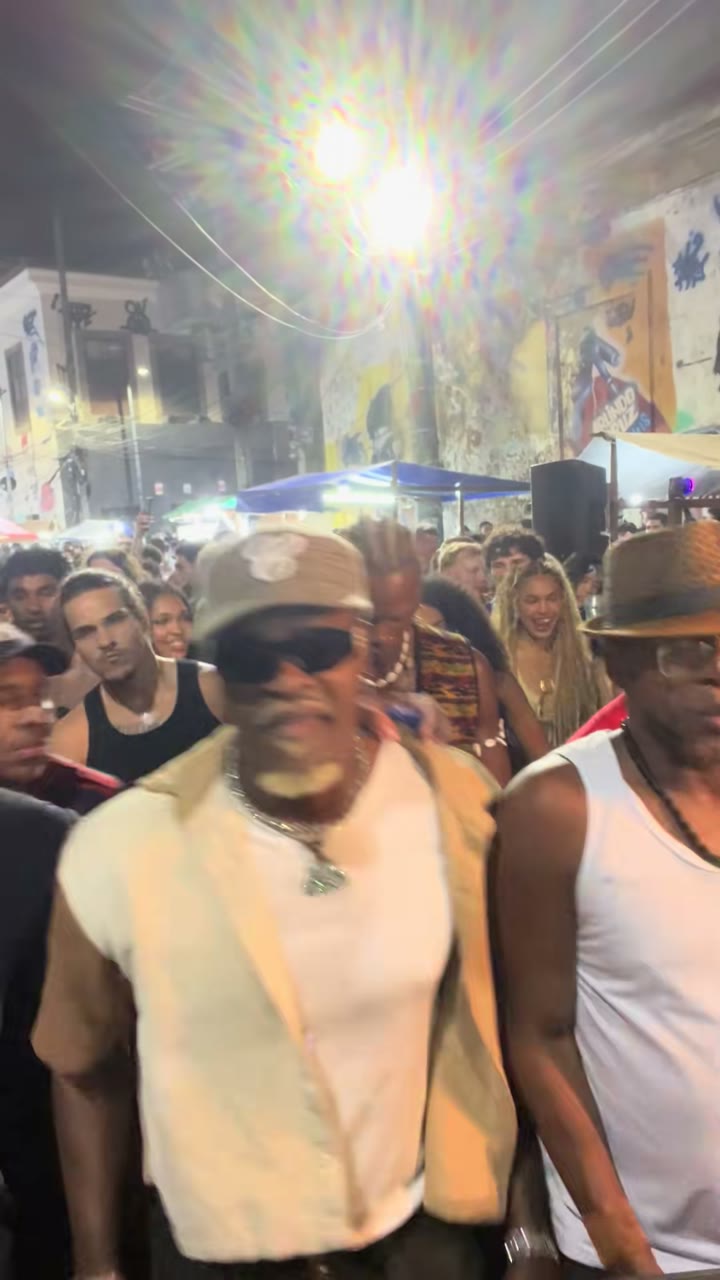
What Is the Baile Charme Trend? The Charme Dance and the AI Grandpa, Explained
The Baile Charme trend explained: what charme dance is, the Pedra do Sal clip by @zenegaooficial, Seu Zé de Madureira, the AI grandpa by @seuzerj, the CapCut template wave, and how to make your own Baile Charme AI video.