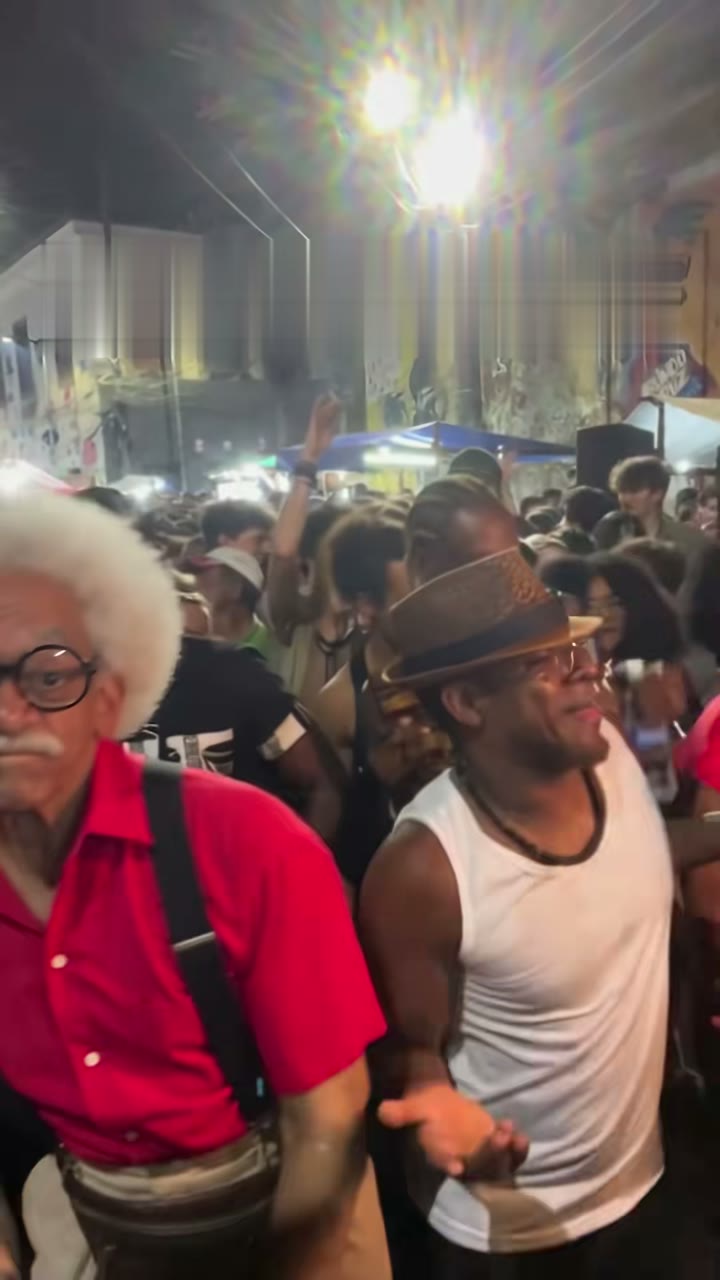
A white-haired grandpa nods, glides side to side in a packed night crowd at Pedra do Sal, and steals the show. Here's how to put yourself in his place from a single photo, no filming, no CapCut and no prompt.
What you're making
The template on our homepage follows the first 15 seconds of the reel @seuzerj posted on 16 October 2026, where the AI grandpa "Seu Zé de Madureira" dances charme in the crowd. You take his place. New to the trend? Read what the Baile Charme trend is.
It's one continuous handheld phone shot from inside the crowd:
- A nod and charme side steps, facing the camera.
- A glance at the dancer in the white tank top beside you, while a man in a hat dances along.
- Someone throws a hand up and cheers; a low groove with the knees bent.
- A slow turn away and back with a cool gesture, as the camera eases back to a medium shot and the crowd dances.
The homepage template is for people only. For a dog, cat or other pet, use the pet version.
How to make the Baile Charme AI video in 3 steps
- Upload one photo of yourself. One person, face toward the camera, waist up or full body, in good light. Our photo guide has the details.
- Pick the model, length and quality. Choose Budget, Balanced or Premium, 10 seconds or the whole 15-second take, and 480p or 720p. Premium also offers 1080p.
- Generate and download. Your photo passes a quick review, then the video usually renders in a few minutes. Download a vertical 9:16 MP4 with the reel's sound and no watermark, or share it to TikTok, Reels or Shorts.
Make your Baile Charme video →
Which model should I pick?
The price is shown before you generate. Credits per video:
| Model | 480p (10 s / 15 s) | 720p (10 s / 15 s) | 1080p (10 s / 15 s) |
|---|---|---|---|
| Budget | 4 / 6 | 8 / 12 | — |
| Balanced | 8 / 12 | 17 / 25 | — |
| Premium | 15 / 20 | 34 / 46 | 60 / 80 |
Not sure about a photo yet? Try a 10-second Budget video at 480p for 4 credits first, then make a longer or sharper version once you like the result.
Without an account, or with credits
The video isn't free, but there's no subscription. Two ways to pay:
- One video, no account. Pay once at checkout with Stripe and we email you the link when the video is ready: $4.99 (Balanced, 480p, 15 s), $6.99 (Balanced, 720p, 15 s) or $8.99 (Premium, 480p, 15 s).
- One-time credit packs. 20 credits for $9.90, 50 for $22.99, 90 for $39.99, 135 for $56.99, 240 for $99.99 or 450 for $184.99. Credits never expire.
If the photo is rejected or the render fails, your payment or credits come back automatically. See pricing for the details.
With the sound, or without it
The reel's sound is already in the MP4. On the finished video, a switch turns the sound off so you can download a silent MP4 and add the TikTok sound yourself when you post. Label it as AI-generated if the platform asks.
Your photos stay private, and we delete them 30 days after the video is made.
The pet version: your pet at the baile charme
There's no viral pet version of this trend yet, so we made one. On the pet version, one photo of your dog, cat or other pet puts it in the dancer's place: it stands on its hind legs and does the charme side steps while the crowd claps. Same take, same steps to make it, same prices. Use a photo that shows the whole animal with its face visible.
One more trend from the same photo
Our sister site Bad Times AI makes the viral BAD TIMES dance from the same kind of photo, with a pet version for cats and dogs. Finish a Baile Charme video and the link on its page brings your photo along.
Baile Charme AI is an independent tool, not affiliated with the trend's creators, the dancers in its clips, or CapCut.
Read more
Baile Charme AI Video Generators (2026): Baile Charme AI vs the CapCut Template vs MakeViral vs Kavel
Four ways to make the Baile Charme trend video, compared as of 19 Oct 2026: people, pets and duos, length, the reel's sound, celebrities and what one video costs. Plus which one fits what you want to make.
Baile Charme AI Photo Guide: The Best Photos for People and Pets
Which photo works best for a Baile Charme AI video: one person, face toward the camera, waist up or full body, good light. Tips for dogs and cats, which photos get rejected, and what happens if yours is.
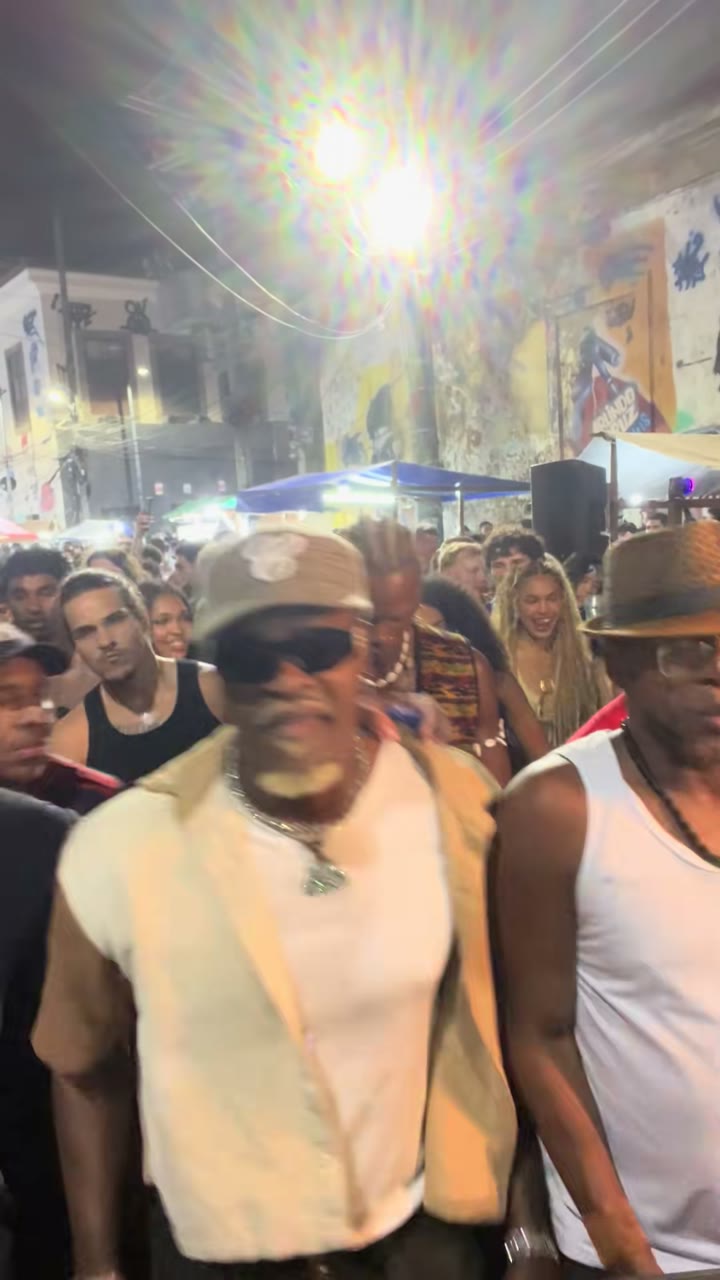
What Is the Baile Charme Trend? The Charme Dance and the AI Grandpa, Explained
The Baile Charme trend explained: what charme dance is, the Pedra do Sal clip by @zenegaooficial, Seu Zé de Madureira, the AI grandpa by @seuzerj, the CapCut template wave, and how to make your own Baile Charme AI video.