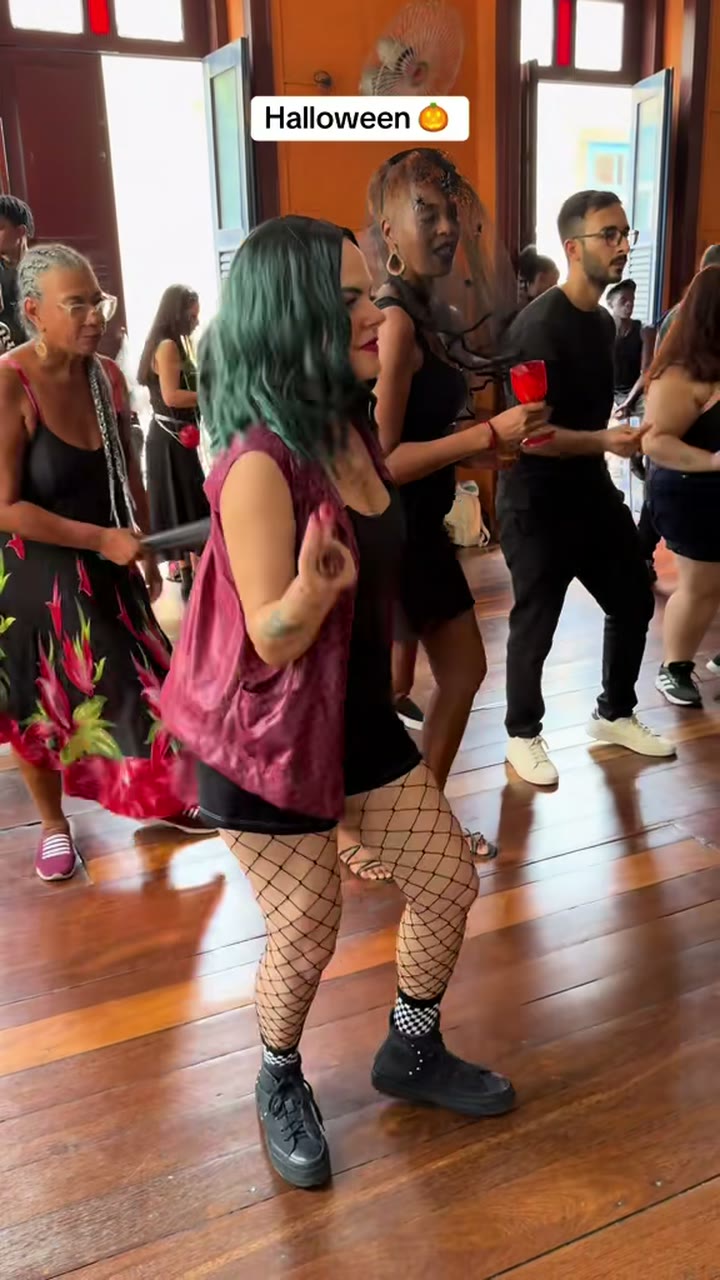
Halloween is on 31 October, and the Baile Charme trend is still all over your feed. Put the two together: one photo of you, a costume, and you're doing the charme side steps at a Halloween baile, with pumpkin lights overhead and a crowd in costumes around you.
What you get
The Halloween version is our own twist on the trend. Your video follows the same Pedra do Sal take as the person version: the reel @seuzerj posted on 16 October 2026, where the AI grandpa "Seu Zé de Madureira" dances charme in the crowd. You take his place, in costume:
- A nod and charme side steps, facing the camera.
- A glance at the dancer beside you.
- A low groove as someone cheers.
- A slow turn away and back, as the camera eases back and the crowd dances.
The night turns into a Halloween party: pumpkin lanterns, orange and purple string lights, and other dancers in simple costumes like witch hats, capes and skeleton T-shirts. It stays fun, not scary: no blood, wounds or weapons. The clip on the Halloween page is a Halloween charme class by @charmepro.com, shown as an example of the look; your video follows @seuzerj's take, and your face comes from your photo.
You get a vertical 9:16 MP4, 10 seconds or the whole 15-second take, with the reel's sound and no watermark.
The 5 costumes
Pick one before you generate. Each one changes your outfit and make-up, but only the colours and lines: your face, face shape and hair stay as they are in the photo, so you're still recognisable. Your face and mouth stay uncovered the whole take.
| Costume | What you wear | Best photo |
|---|---|---|
| Vampire | A black cape with a high collar and red lining, dark clothes, pale make-up, dark eyes, deep-red lips | Any clear photo; your clothes are replaced |
| Witch | A black pointed wide-brim hat on your own hair, a long black dress or robe, smoky eyes, dark-purple lipstick | One where your hair is visible, since the hat sits on it |
| Zombie | A cartoonish look: torn, dusty shirt and trousers, grey-green skin, dark circles, greyish lips | Any clear photo; it stays playful, not gory |
| Skeleton | A black bodysuit with a white bone print and full skull face paint: white base, black eye sockets and nose, teeth drawn on the lips | A sharp, front-facing face, since the paint follows it |
| My costume | The costume and make-up already in your photo, kept the whole take | A photo of you already dressed up |
How "My costume" works
Pick My costume if you already have a costume you love. The video keeps the outfit and make-up from your photo and fills in anything the photo doesn't show (your legs in a waist-up shot, say) in the same style. Upload a photo where you're already dressed up, with the costume in view. If you're wearing a mask that covers your face, it gets pushed up onto your head so your face shows, so a photo with the mask already off works better.
With the other four costumes, the clothes in your photo don't matter: they're replaced by the costume.
How to make it, step by step
- Upload one photo of yourself. One person, face toward the camera, waist up or full body, in good light. Only upload your own photo or one of an adult who agreed.
- Pick a costume. Vampire, witch, zombie, skeleton or My costume.
- Pick a version. All three are the whole 15-second take: Balanced 480p ($4.99), HD 720p ($6.99, recommended) or Premium 480p ($8.99). Want 10 seconds, the Budget model or 1080p? Open "Customize model, length & quality".
- Pay or use credits. One video needs no account: pay once at checkout and we email you the link. Or use a one-time credit pack; credits never expire. See pricing.
- Download and post. Your photo passes a quick review and the video usually renders in a few minutes. Download the MP4 with the sound, or flip the switch for a silent one.
The general guide walks through the same flow on every version, with the credit table.
Photo tips for costumes
The usual rules from our photo guide apply, plus a few for Halloween:
- Sharp, front-facing face. Make-up is painted onto your features, so blurry or side-on photos lose the likeness.
- Only you. Crop friends out of party photos so it's clear who dances. For two people, use the duo version.
- Good light. A dim party photo with heavy shadows blurs in the crowd's night light. Daylight or a bright room is best.
- For My costume: mask off, costume in view. Waist up or full body, so the outfit shows.
- No celebrities or children. Photos of famous people and of children are rejected, and so are film stills of famous characters.
Post it before 31 October
Halloween videos get their views in the days before the 31st, so don't leave it to the night itself. The reel's sound is already in the MP4. If you'd rather use a trending sound, download the silent version and add the sound in TikTok when you post. Label it as AI-generated if the platform asks.
Dressing up the dog?
The Halloween version takes people only. For your dog or cat, use the pet version: your pet stands on its hind legs and does the side steps while the crowd claps. It doesn't add a costume.
FAQ
Is the Halloween version free?
No, but there's no subscription and no watermark. One video is $4.99, $6.99 in HD or $8.99 on Premium, with no account. If your photo is rejected or the render fails, your payment or credits come back automatically.
Can I use my own Halloween costume?
Yes. Pick My costume and upload a photo of you already wearing it, with your face uncovered. The video keeps that outfit and make-up.
Will the make-up make me unrecognisable?
No. The costume only changes colours and lines; your face shape, features and hair come from your photo, and your face stays uncovered.
Is it scary or gory?
No. The zombie is cartoonish, and the video has no blood, wounds or weapons. It's a Halloween party, not a horror film.
Can two of us dress up together?
Not on the Halloween version, which takes one person. The duo and couple versions take two people, without costumes.
Baile Charme AI is an independent tool, not affiliated with the trend's creators, the dancers in its clips, or CapCut.
Read more
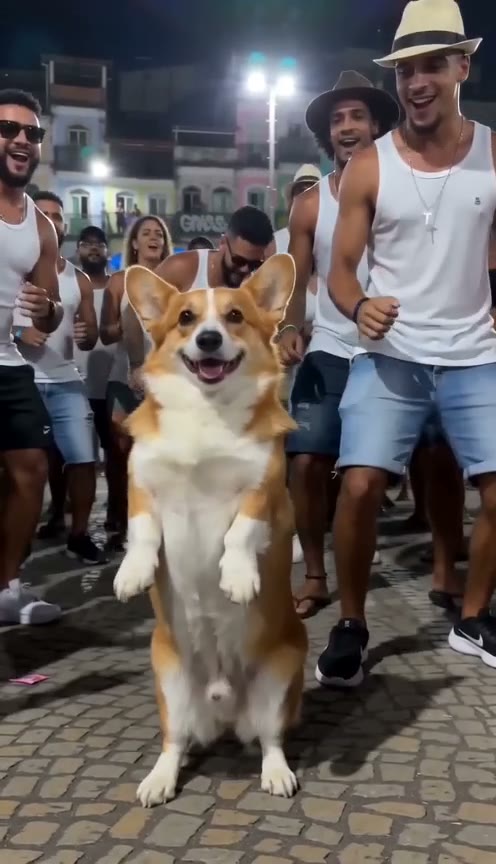
Baile Charme Dog or Cat: Make Your Pet Dance the Charme With AI
How to make a dog dancing AI video of the Baile Charme trend: one photo of your dog or cat, and it stands on its hind legs and dances the charme as the crowd cheers.
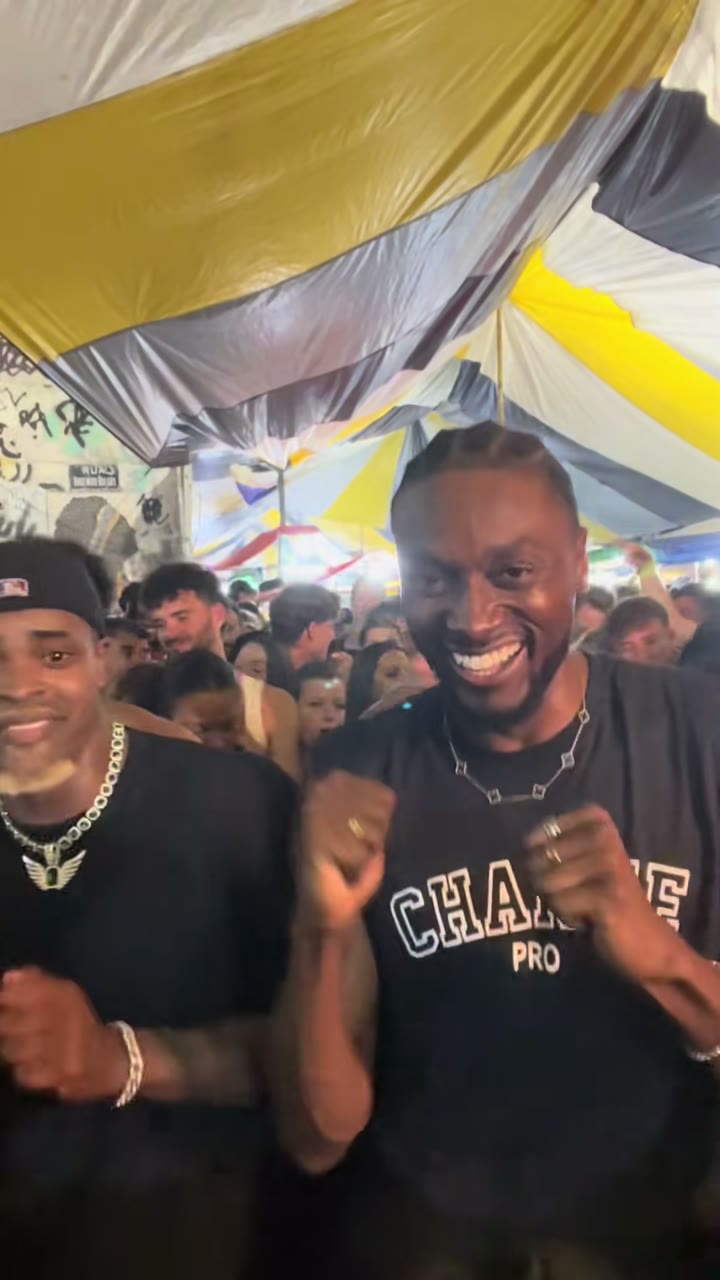
Baile Charme Duo and Couple: Make the AI Dance Video With a Friend or Your Partner
How to make the Baile Charme duo or casal no charme AI video: one photo of you both or one each, who dances on which side, photo tips, prices and FAQ.
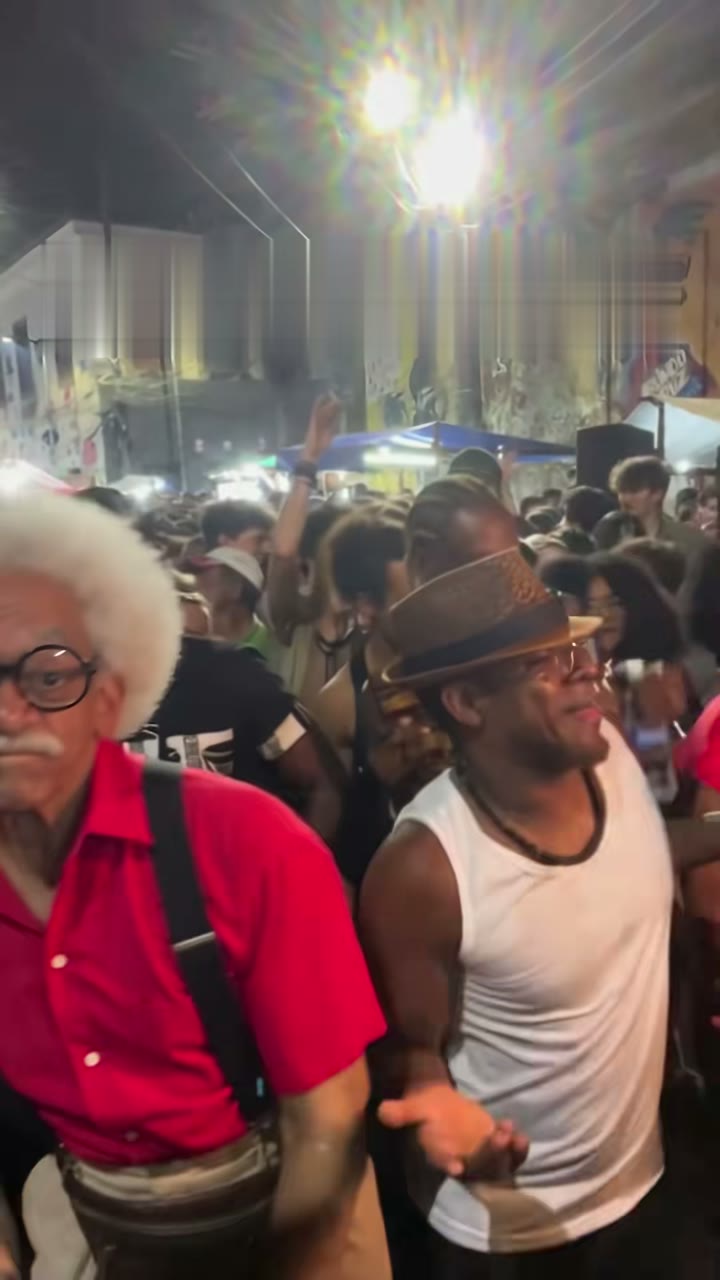
Baile Charme AI Prompt: Copy-Paste Text for Kling, Seedance, Veo and More
A ready-to-paste Baile Charme AI prompt for Kling, Seedance, Veo, Hailuo, Gemini or ChatGPT, with grandpa and duo add-ons, limits and a no-prompt option.