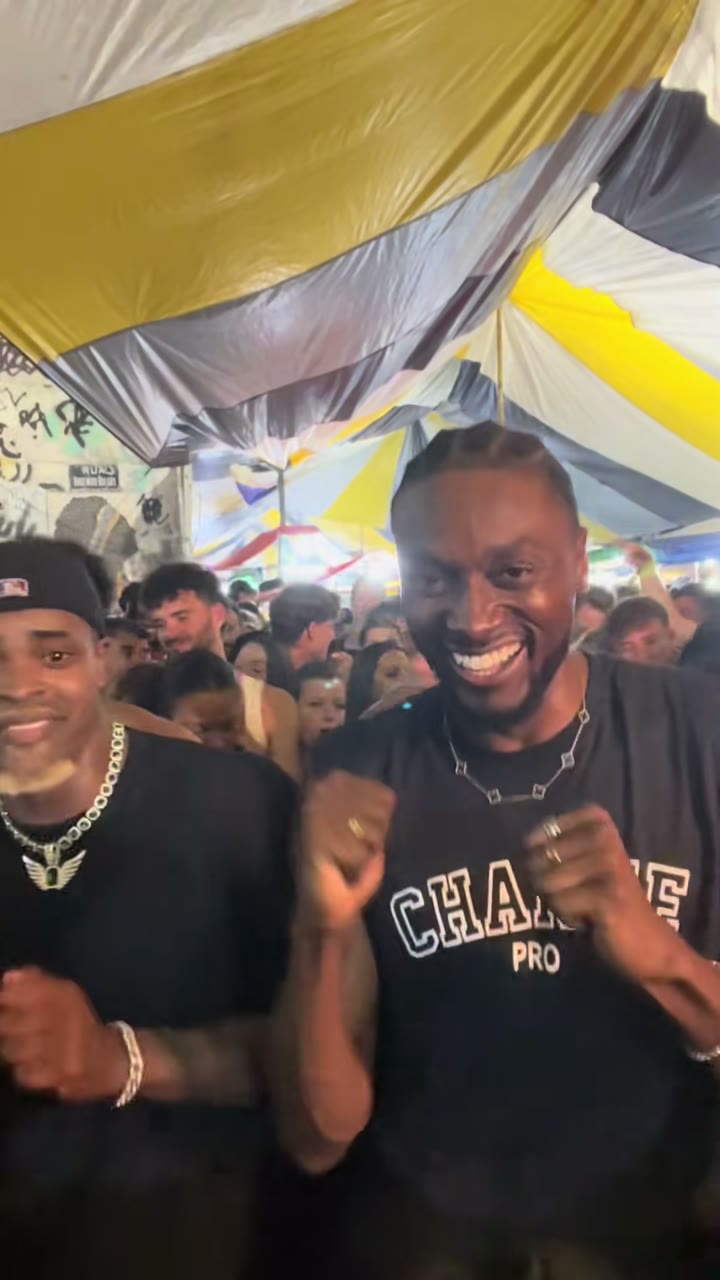
Most Baile Charme videos have one dancer in the place of the AI grandpa "Seu Zé de Madureira" from @seuzerj's reel. But charme is danced with friends, and one of the trend's real clips is a duo. Here's how to make the two-person version with a friend or your partner, from one or two photos, without filming and without CapCut.
The clip the duo follows
Before the AI grandpa, the trend's real dancer was @zenegaooficial. On 24 September 2026 he posted himself dancing side by side with a friend in a packed baile crowd, and the clip reached about 470,000 views. New to it all? Start with what the Baile Charme trend is.
Our duo and couple versions follow the first 15 seconds of that clip, in one continuous handheld shot under a big striped tent full of dancers:
- You two side by side, close to the camera, doing the charme side steps and laughing.
- Arm in arm, shoulder to shoulder, still stepping.
- Fists rolling in front of the chest while you nod to the beat, both facing the camera.
- The dancer on the right leans in to the lens with a big grin, the one on the left peeks over their shoulder, then you both step back and keep dancing.
Your faces, hair and outfits come from your photos. The moves, the crowd, the camera and the sound come from the clip.
Duo or couple: which one?
Both use the same take, the same photos and the same prices. The difference is the mood between the two of you:
- Duo: two friends who came to dance together, in sync and having fun. Pick it for a best friend, a sibling or a dance partner.
- Couple: "casal no charme". You dance close, shoulder to shoulder, and keep catching each other's eye and smiling. Affectionate, but no kissing. The couple page shows @zenegaooficial dancing with @yasmim_leao (14 September 2026) as an example of the look; the moves still follow the 24 September duo clip.
This is what the CapCut template can't do: its look is fixed, with no duo or couple option. See both versions next to the clip they follow on the examples page.
One photo of you both, or one photo each
You only need one photo, but you can add two:
- One photo of you both. The person on the left of the photo dances on the left of the video, and the person on the right dances on the right.
- One photo each. Photo 1 becomes the left dancer and Photo 2 the right dancer. Two solo photos usually give the clearest faces, and they work when you don't have a good photo together or one of you is far away.
The right-hand dancer stands a little closer to the camera and does the big lean-in to the lens, so put whoever wants the spotlight on the right. The two of you keep your own sides for the whole video.
Photo tips for two people
- Both faces sharp and toward the camera, eyes visible, no sunglasses, nobody half hidden or cut off at the edge.
- Waist up or full body for both of you, so the shoulders and arms are in frame.
- Similar, even light on both faces. If one of you is in shadow, use one photo each instead.
- Only the two of you. Crop out anyone else, since extra faces can blend in.
The photo guide has more detail.
Adults who agreed, and nobody else
Both people must be adults who agreed to appear. Before you generate, you confirm that you have the right to use the photo, that everyone in it agreed, and that you won't use the video to impersonate or harm anyone. Photos of celebrities and of children are rejected at review.
How to make it, step by step
- Open the duo or couple page and upload one photo of you both, or one photo each.
- Pick the model, length and quality. 10 seconds or the whole 15-second take, 480p or 720p, and 1080p on Premium.
- Generate and download. The photos pass a quick review, then the video usually renders in a few minutes: a vertical 9:16 MP4 with the clip's sound and no watermark. A switch on the finished video gives you a silent MP4 if you'd rather add a sound in TikTok.
The step-by-step guide covers the whole flow, including the credit prices.
Which version and price should I pick?
You pay per video, not per person: two people cost the same as one. Without an account, one video of the whole 15-second take is:
- $4.99: Balanced, 480p.
- $6.99: Balanced, 720p HD. Our pick for two people, since both faces stay sharper.
- $8.99: Premium, 480p.
With an account you can also use one-time credit packs from $9.90, and try a 10-second Budget video at 480p for 4 credits first. If a photo is rejected or a render fails, your payment or credits come back automatically. See pricing.
FAQ
Do I need an account to make a duo video?
No. You can buy a single video at checkout with no account, and we email you the link when it's ready.
Does a video with two people cost more?
No. The price depends on the model, quality and length, not on how many people are in it.
Can we be a same-gender couple, or just friends on the couple version?
The template doesn't check who you are to each other. Pick the couple version if you want the close, smiling-at-each-other mood, and the duo version if you just want to dance together.
Who ends up on which side?
With one shared photo, the person on the left dances on the left. With two photos, Photo 1 is on the left and Photo 2 on the right.
Can I use a photo of a friend who isn't here?
Only if they're an adult and agreed to it. Their solo photo goes in Photo 2, or Photo 1 if you'd rather be on the right.
Is there a watermark?
No. The MP4 is 9:16, has the clip's sound, and has no watermark.
Make the duo version → · Make the couple version →
Baile Charme AI is an independent tool, not affiliated with @seuzerj, @zenegaooficial, the dancers in the clips, or CapCut.
Read more
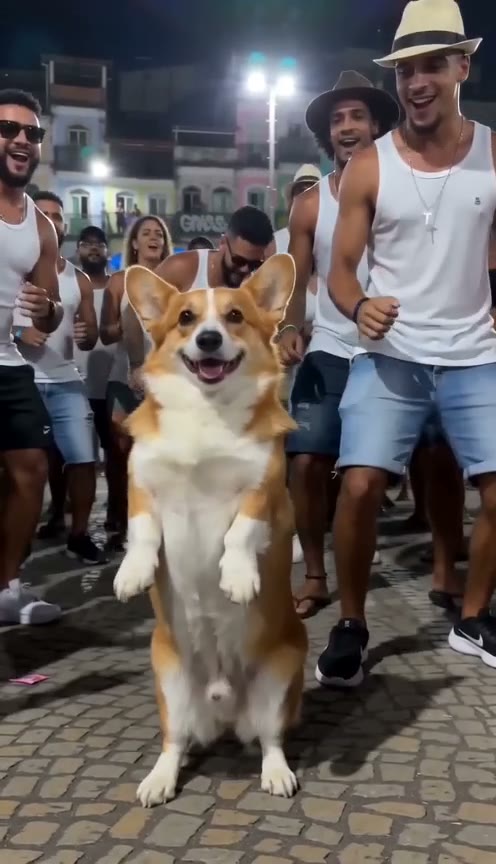
Baile Charme Dog or Cat: Make Your Pet Dance the Charme With AI
How to make a dog dancing AI video of the Baile Charme trend: one photo of your dog or cat, and it stands on its hind legs and dances the charme as the crowd cheers.
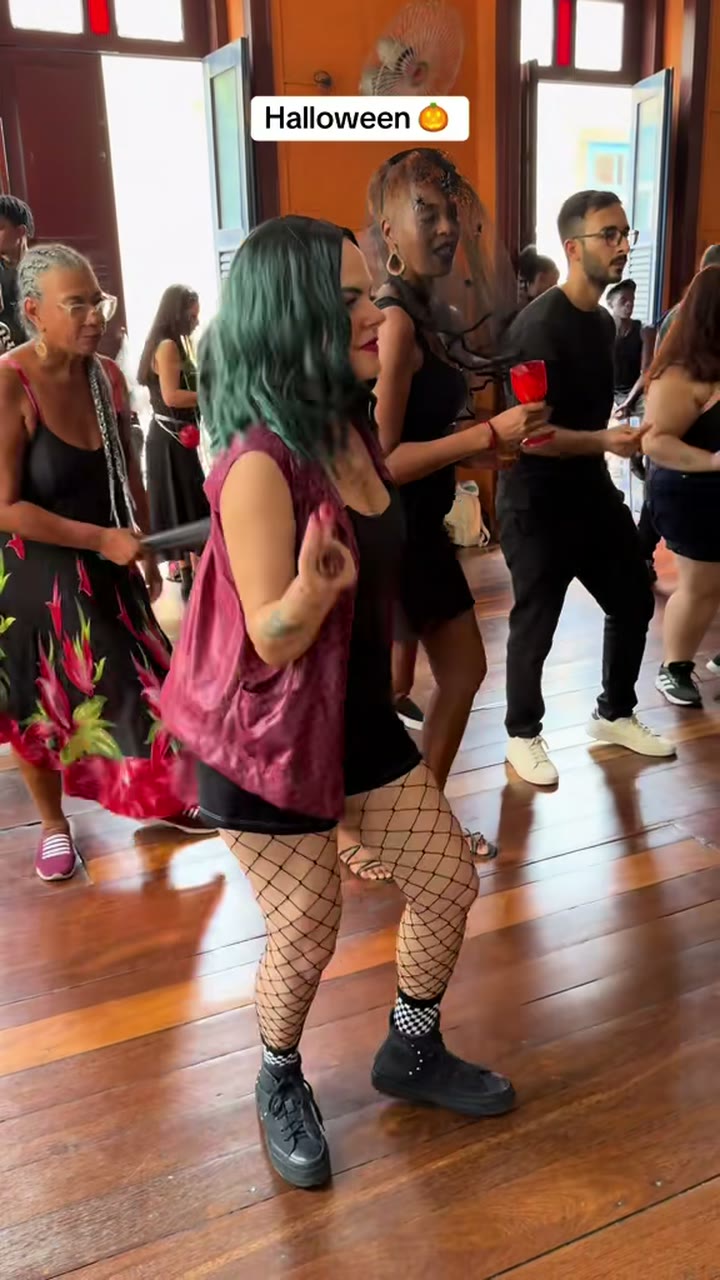
Baile Charme Halloween: Make the AI Dance Video in a Costume
Make the Baile Charme Halloween AI video from one photo: vampire, witch, zombie, skeleton or your own costume, the full 15 s take, ready to post before 31 October.
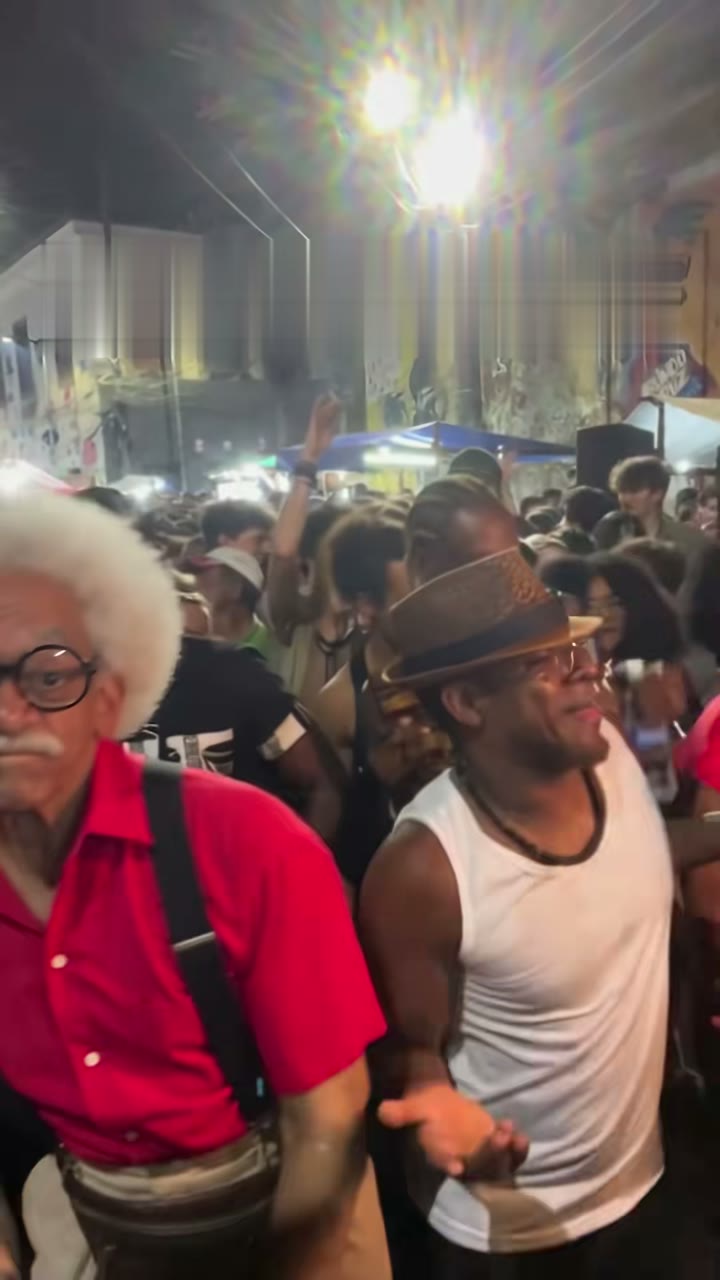
Baile Charme AI Prompt: Copy-Paste Text for Kling, Seedance, Veo and More
A ready-to-paste Baile Charme AI prompt for Kling, Seedance, Veo, Hailuo, Gemini or ChatGPT, with grandpa and duo add-ons, limits and a no-prompt option.