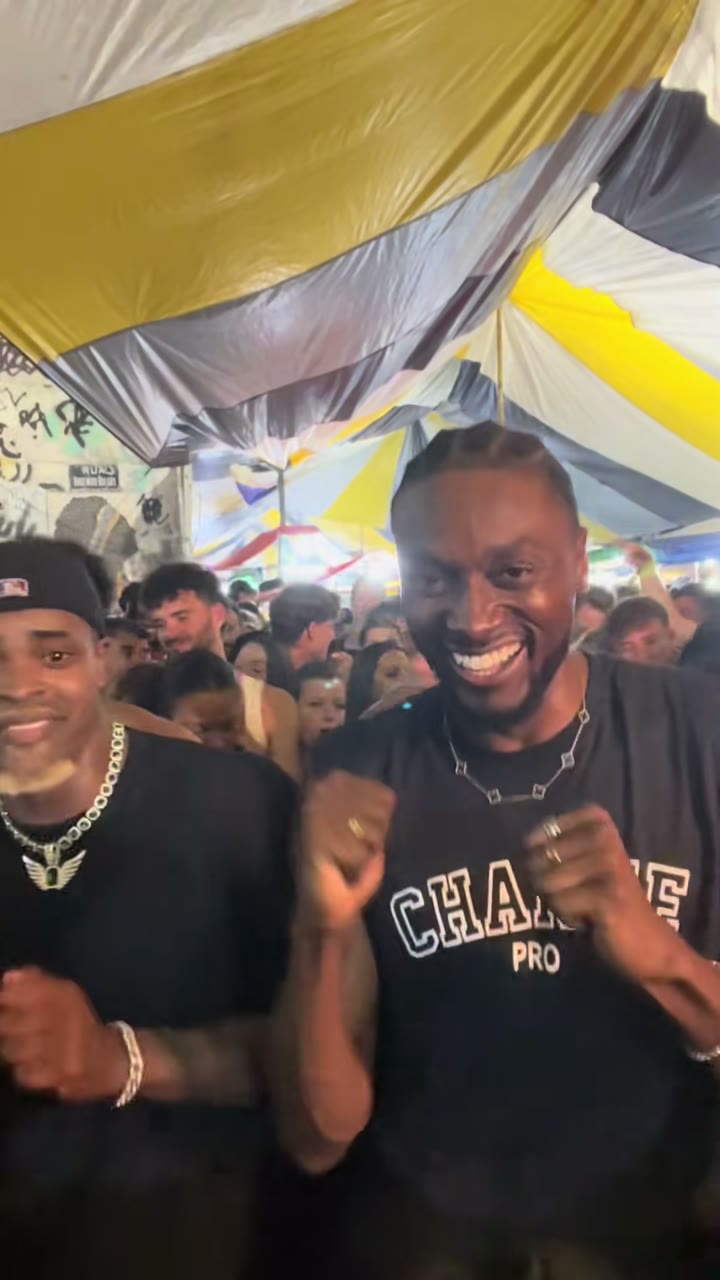
The Baile Charme trend went big through a CapCut template. If you've seen a tutorial and want to make your own, here's how the template works, where it falls short, and another way to make the video without the app.
Baile Charme AI is an independent tool. We're not affiliated with CapCut, the template's maker, the trend's creators or the dancers in its clips.
Where the CapCut template came from
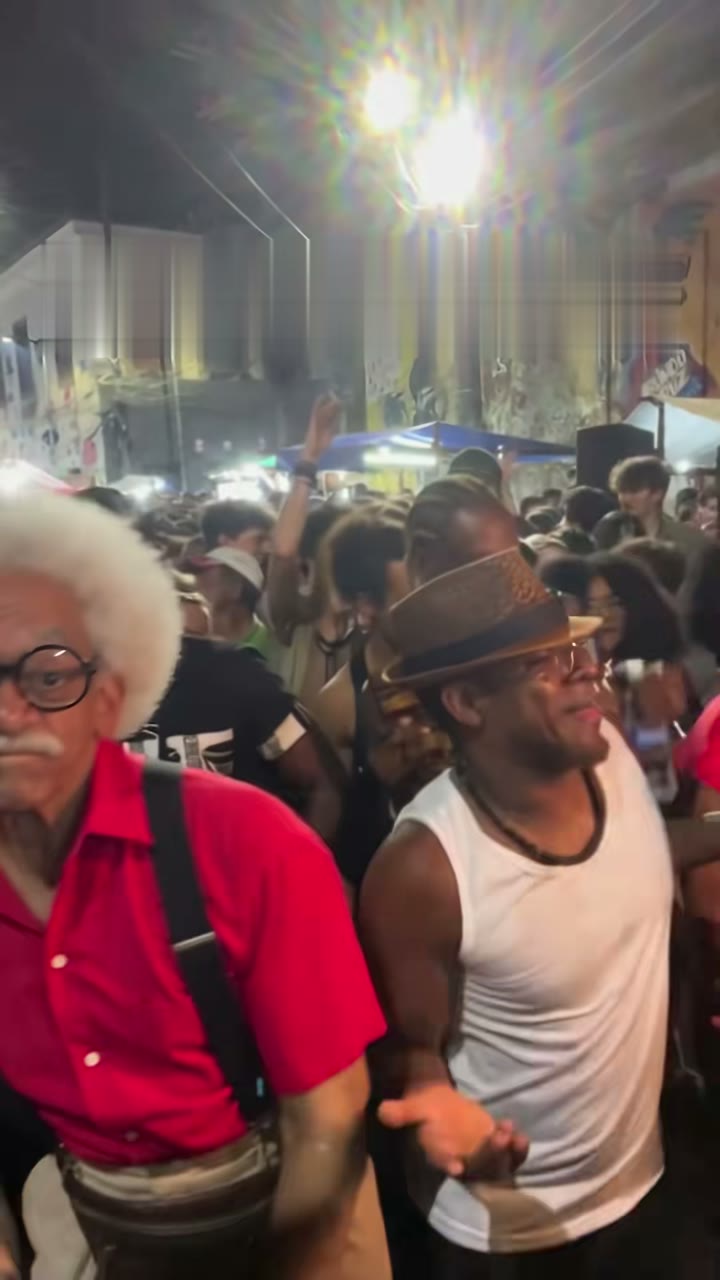
The trend started with a real dancer. On 7 August 2026, @zenegaooficial posted his charme in the packed night crowd at Pedra do Sal, in Rio de Janeiro. On 16 October 2026, @seuzerj posted an AI edit of that scene with an AI-made grandpa, "Seu Zé de Madureira", in the dancer's place. The full story is in what the Baile Charme trend is.
A closed CapCut template followed. Brazilian creators call it "dança AI retrô", and from 18 October 2026 the tutorials took off, some reaching up to around 600,000 views in a day. On 20 October the template's use count grew from 151,577 to 186,749 in four hours.
Many versions of the template put action-movie stars in the grandpa's place. That's where most of the viral CapCut clips come from.
How to find and use the Baile Charme CapCut template
CapCut's menus change between versions and regions, so the steps below are general:
- Open CapCut and go to its templates section.
- Search "baile charme" or "dança ai retrô". You can also tap the template link under a tutorial video on TikTok, which opens it in CapCut directly.
- Pick the template that matches the clip you saw. Several look-alike templates exist; check the preview.
- Add one photo. Use your own photo, or one of an adult who agreed. A sharp photo with the face toward the camera works best.
- Let it render and export the video.
- Add the sound in TikTok when you post, if the export doesn't already have the one you want.
On the sound: many tutorials use "Ice Ice Baby" from TikTok's music library, while @seuzerj's reel uses its own original sound, listed as "som original - seuzerj". Either works on TikTok; pick the one from the version of the trend you want to copy.
Limits of the CapCut template
The template is quick, but it has trade-offs:
- The look is fixed. You get the template's scene and edit. There's no duo, couple or grandpa option unless someone made a separate template for it.
- Celebrity versions. Many popular versions are built around action-movie stars. Don't upload a celebrity's photo. Use your own, or an adult who agreed.
- You need the app. The template runs inside CapCut, and exports may carry a watermark depending on your plan and settings.
- Region availability. Templates aren't available in every country, and closed templates can disappear without notice.
The alternative: Baile Charme AI, no app needed
Baile Charme AI makes the trend video in your browser from one photo. It follows the clips directly instead of a template edit:
- No app, no account needed. Upload a photo on the homepage, pick a model and 10 or 15 seconds, and download the MP4.
- Nine versions. The person version follows @seuzerj's reel at Pedra do Sal. There's also a grandpa version (you at about 75), Madureira, 1980s, black and white, Halloween and a pet version. The duo version and couple version follow @zenegaooficial's duo clip from 24 September 2026, with one photo of you both or one each.
- The reel's own sound is already in the MP4. A switch gives you a silent version if you'd rather add a sound in TikTok.
- No watermark. One video starts at $4.99 without an account, or use a one-time credit pack.
- No celebrities. Photos of famous people and of children are rejected. If your photo is rejected or a render fails, you get your money or credits back automatically.
See every version next to the clip it follows on the examples page.
CapCut template or Baile Charme AI?
- You already edit in CapCut and want the exact template everyone is posting: use the CapCut template.
- You want the reel's own sound, a duo with a friend, a couple video or the grandpa joke, without installing anything: use Baile Charme AI.
Either way, label the video as AI-generated if the platform asks.
FAQ
Is the Baile Charme CapCut template free?
That depends on CapCut, your plan and your region, and it can change. Some templates and exports need a paid plan or carry a watermark. Baile Charme AI isn't free either: one video starts at $4.99, with no watermark and no subscription.
Why can't I find the Baile Charme template in CapCut?
Templates aren't available in every region, and closed templates can be taken down. Try searching "dança ai retrô" as well as "baile charme", or open the template link under a tutorial. If it still doesn't show up, you can make the video on Baile Charme AI in the browser.
Which song does the Baile Charme trend use?
@seuzerj's reel uses its own original sound, "som original - seuzerj". Many CapCut tutorials use "Ice Ice Baby" from TikTok's library instead. Baile Charme AI puts the reel's own sound in the video.
Can I make a duo Baile Charme video?
Yes. The duo version takes one photo of you both, or one each, and you two dance the charme side by side. The person on the left of a shared photo dances on the left.
Read more
Baile Charme AI Prompt: Copy-Paste Text for Kling, Seedance, Veo and More
A ready-to-paste Baile Charme AI prompt for Kling, Seedance, Veo, Hailuo, Gemini or ChatGPT, with grandpa and duo add-ons, limits and a no-prompt option.
Baile Charme AI Video Generators (2026): Baile Charme AI vs the CapCut Template vs MakeViral vs Kavel
Four ways to make the Baile Charme trend video, compared (Oct 2026): people, pets, duos, length, the reel's sound, celebrities and cost per video.
Baile Charme AI Photo Guide: The Best Photos for People, Duos and Pets
Which photo works best for a Baile Charme AI video: one person, face to camera, waist up or full body, good light. Tips for duos, pets and rejected photos.